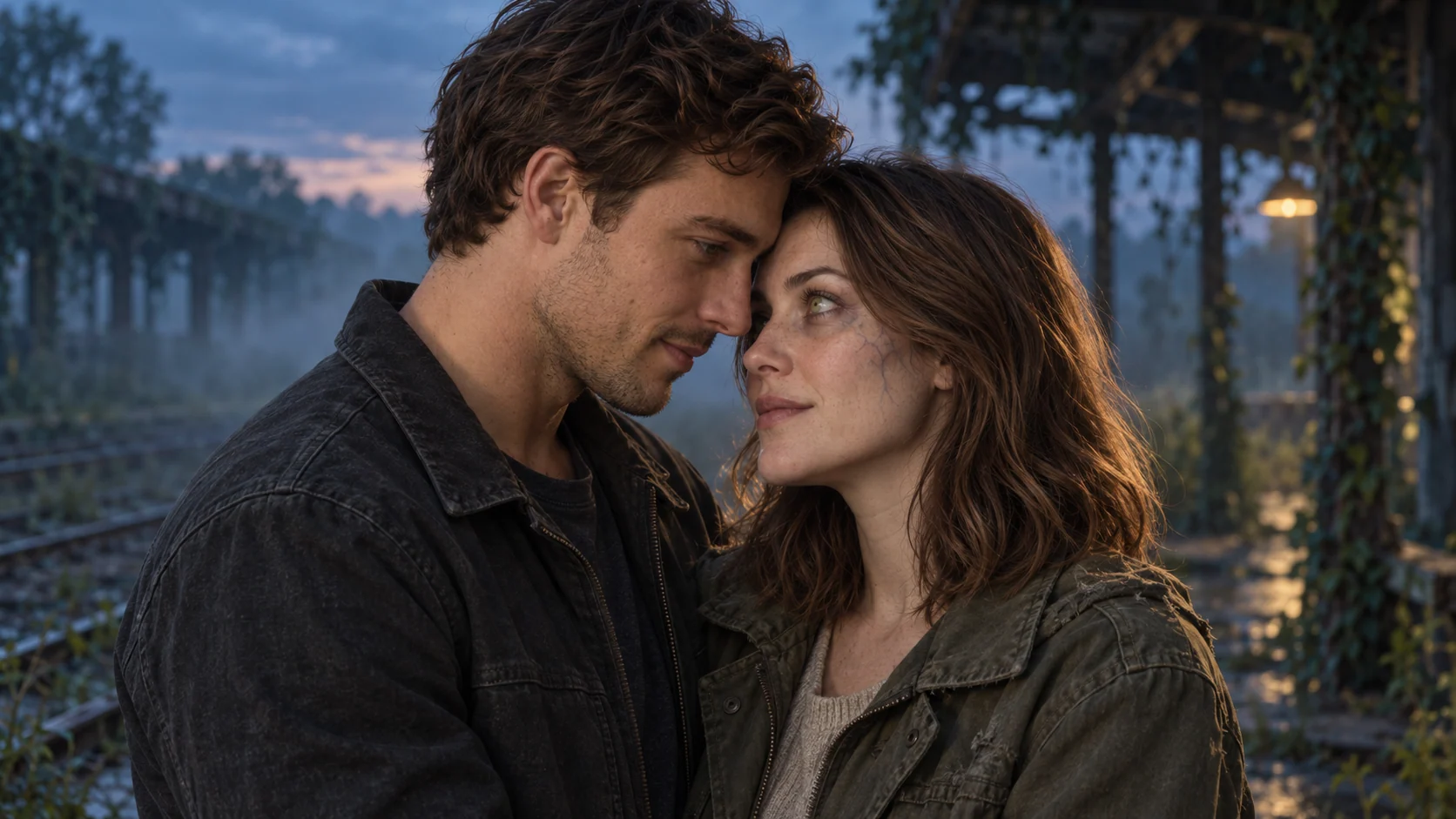
What are you starting with?
A two-photo creator assigns a role to each portrait. A starting-frame generator animates an existing composition. An editor lets you choose exactly where one scene becomes the next. These are different jobs, so our recommendation depends on the material you already have.
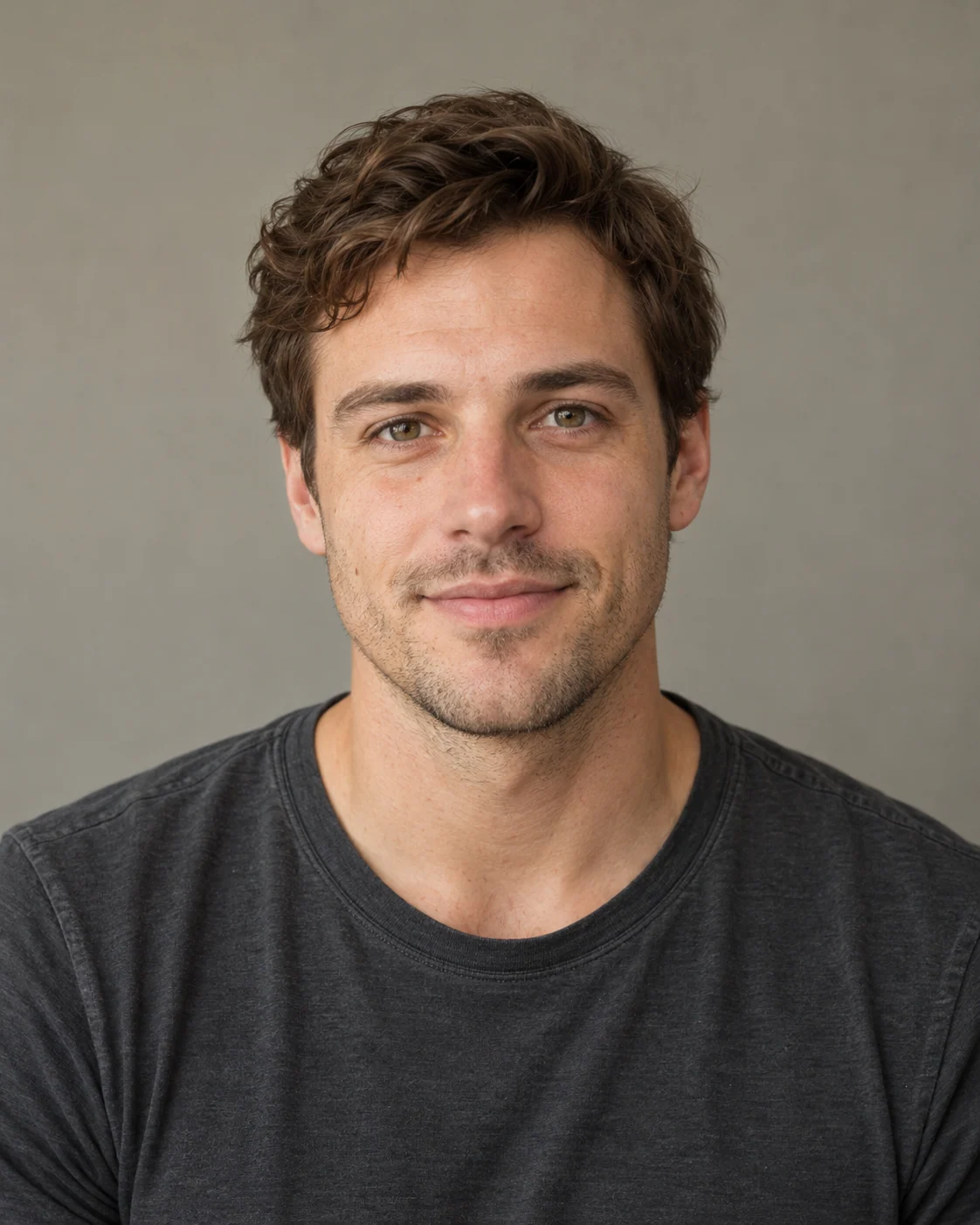
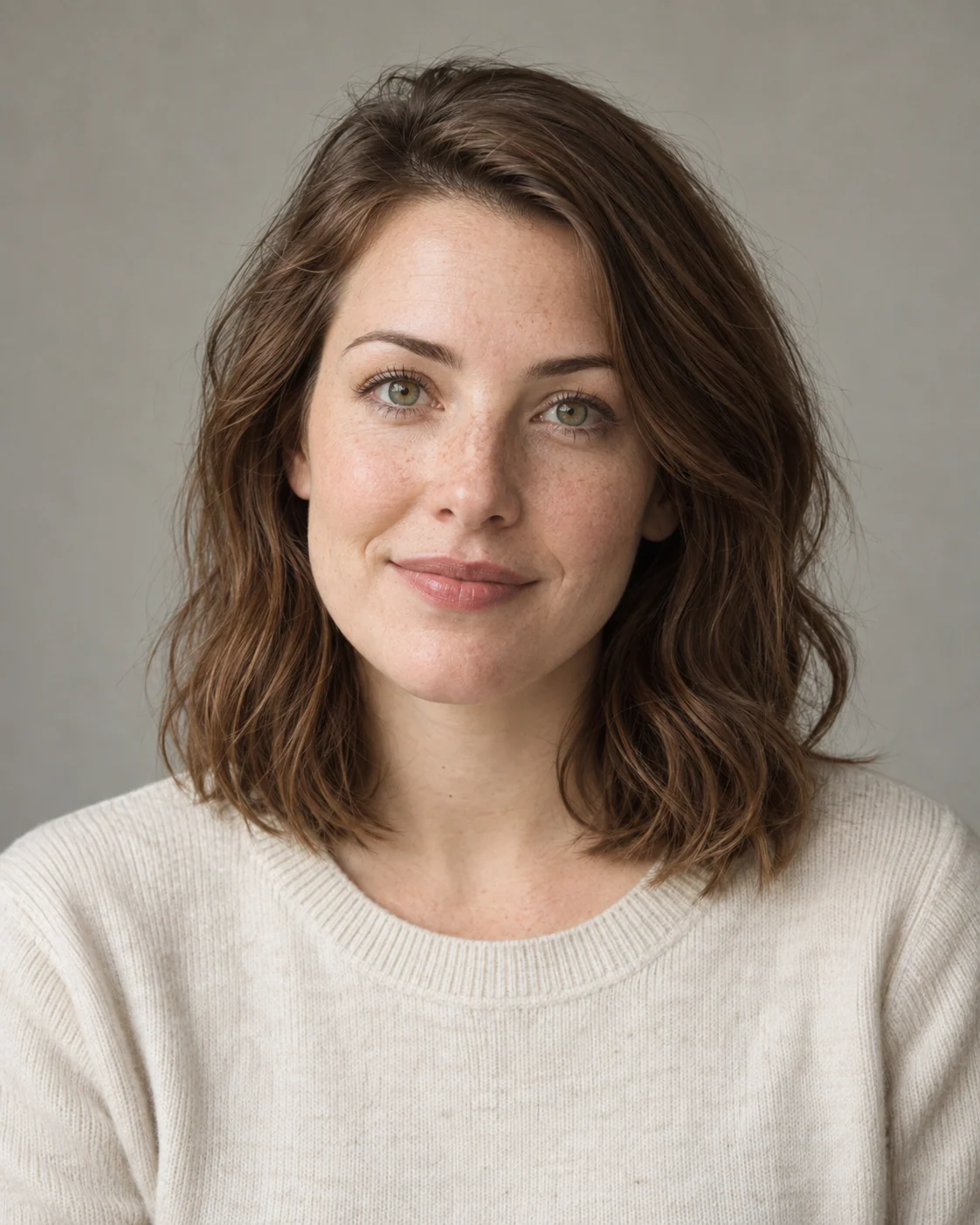
Fictional adult portraits illustrate the two inputs. They are not customer photos.
For two separate portraits, our creator offers assigned roles and a prepared story. Media.io also describes a multi-reference route on compatible models.
See our two-photo workflow ↓For separate portraits, compare our prepared creator with a compatible multi-reference model. For a shared still, consider image-to-video. If you already like the footage, an editor may be all you need.
Four ways to make it.
We publish this comparison and operate Zombie Couple AI. The options below describe fit and tradeoffs; they are not a quality ranking or a hands-on benchmark.
| Tool | Starting material | Control and output | Cost and tradeoff |
|---|---|---|---|
| Zombie Couple AIOur product | Two separate adult portraits with survivor/partner roles. | Prepared scenes, editable prompt; requested 15s, 9:16, 720p MP4. | From $6.99 USD for one generation. Fixed output brief; no timeline editor. |
| PixVerse | A starting-frame image plus a prompt in its documented V6 workflow. | Model settings and multi-shot options; verify what the selected mode exposes. | Check the credit quote before generating. A starting frame is not two independent identity references. |
| Media.io | Multiple references on compatible models, or a shared still. | Story guidance; clip length, audio and reference support depend on the model. | Check the selected model’s current credit cost and export conditions. |
| CapCut | Approved clips or stills for the editing workflow described here. | Arrange scenes, trim pauses and add permitted audio. | Check costs for your chosen features. Editing does not regenerate inconsistent faces. |
The linked official sources support the workflow descriptions. Competitor checkout prices were not independently verified, so we do not publish a price ranking or promise free generation.
Our two-photo route.
Zombie Couple AI creates a fictional, non-graphic zombie love story from two uploaded adult portrait references and a story prompt. It requests a 15-second, 9:16, 720p video through Kie.ai using ByteDance Seedance 2 Fast.
Choose a railway, city or forest setting, then keep or edit the prepared story. The brief moves from recognition to reunion and an earlier memory. The generator interprets that direction; you cannot position an exact cut on a timeline inside this creator.
- Inputs and output
- Two adult portraits; a requested 15-second, 9:16, 720p MP4. Use photos with permission and the necessary rights.
- Payment
- One-time packs start at $6.99 USD for one generation. No subscription or automatic renewal; applicable tax is shown at checkout.
- Delivery
- Download the finished MP4 within 7 days of completion. Our stored copy is then deleted; the generation provider has separate retention practices.
- Failures and retries
- A confirmed generation failure returns the reserved credit. Choosing to generate a different result uses another credit. Cash refunds follow the Refund Policy.
- Limits
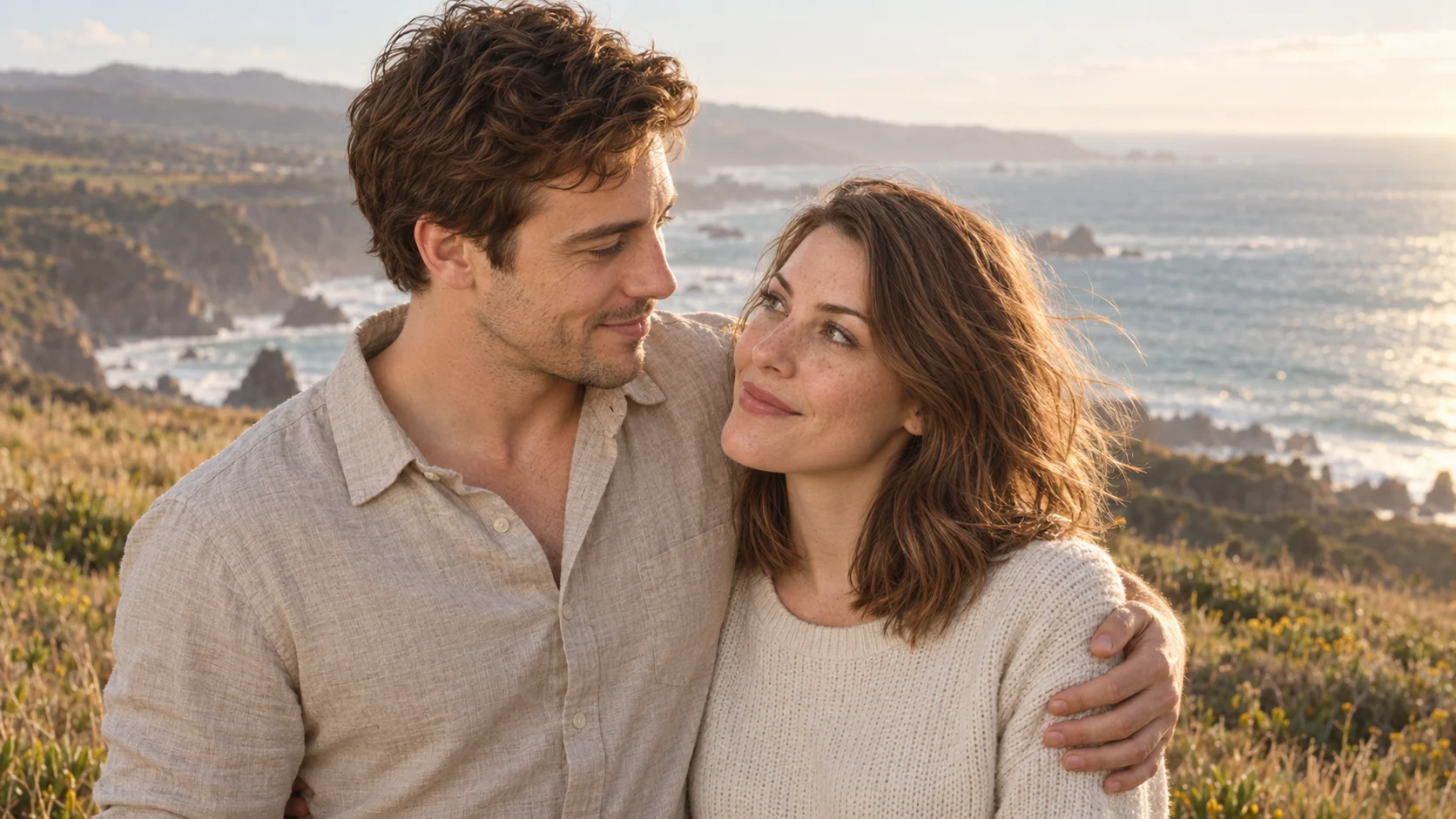
- Faces, motion and timing can vary. The artwork on this website illustrates the story; it is not a generated video sample or a quality guarantee.
Guest checkout is available. Google sign-in can link credits to an account for recovery across devices; unlinked guest credits use a private recovery code. These are ways to recover access, not a public profile or gallery.
Our Acceptable Use Policy applies to every prompt and upload. Permission to use a photo does not make every requested depiction acceptable. See the Privacy Policy and Refund Policy before purchasing.
When another route fits.
Start from a scene.
PixVerse’s V6 guide describes uploading an image as a starting frame, keeping identity descriptions consistent and choosing output settings. Our suggestion: if you already have a composed image containing both characters, explore that route for a scene-led workflow. Verify the active model’s inputs before assuming it accepts two separate portraits.
Explore model choices.
Media.io’s zombie story guide describes assigning two photos to roles, using a compatible multi-reference model, or animating a shared scene image. It also notes that duration and audio depend on the model. Our suggestion: explore this route if choosing a model and adapting the scene brief are part of your process.
Take control of the cut.
CapCut’s story guide describes arranging accepted clips or stills, reviewing continuity and trimming the reveal. Our suggestion: use an editing workflow when you already have suitable footage and want precise control over the transition to the memory. Check any separate generation feature on its own terms.
Check the whole job.
Compare the cost of the finished story, including retries and any separate edit, rather than only the price of the first generation.
- References: does this exact mode accept two portraits, or does it need a shared image?
- Delivery: can it produce the duration, aspect ratio and resolution you need?
- Export: are downloads, watermark removal or an editing feature separately restricted?
- Revisions: distinguish a failed job from a completed result you want to change.
- Permissions: check photo rights, content rules and the intended use of the finished clip.
For a shot plan and editable original prompts, continue with our 2026 zombie couple video tutorial. If the cast changes or the embrace looks awkward, use the troubleshooting guide before another attempt.
How we compared.
This is an editorial comparison of documented workflows, reviewed on . We chose four options relevant to making this particular story and compared inputs, control, cost questions and practical limits.
Our product details come from the implemented creator and current one-time packs. External descriptions come from the official pages linked in each tool’s section. Suitability recommendations are our interpretation of those workflows.
We have not run a controlled comparison of generation speed, face consistency or output quality. Models, access and prices can change. We do not claim an affiliation with the other services. To report a factual correction, contact us with the page and supporting source.
Start with your photos.
Want the prepared reunion story? Bring two portraits and choose a setting.
Create your film ↗See one-time packs